Resetting passwords is possible in the Routty platform, both by the user himself and as an administrator.
Resetting passwords is disabled when single-sign-on is enabled
Instructions

-
Navigate towards Configuration / Platform / User administration
-
Click on the Password reset button next to the user that needs his password reset
-
An activation email will be sent towards the user with a link to reset his password
-
The link to reset the password is made visible above the user administration panel
-
The system administrator can set the password for the end-user by copying the link using the copy icon next to the URL
-
A notification is shown when the URL is correctly copied to your clipboard
-
-
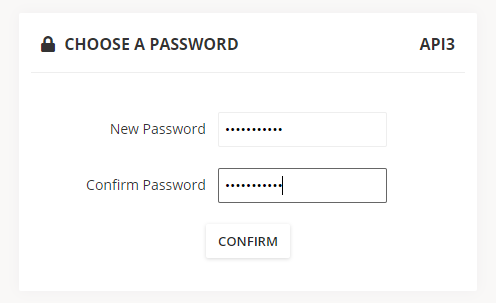
Enter the new password twice and click on confirm