Instructions
-
Navigate to the Configuration / Platform / User administration
-
To edit existing users in the platform, select the data that needs to be changed
-
Each column can be edited, when you leave the field after changing the data, it will be saved automatically
-
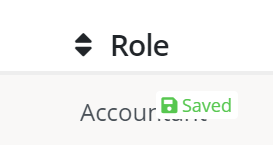
A ‘Saved’ notification is shown when the data is correctly stored
-
-
To delete a user click the delete button on the right-hand side of the user
-
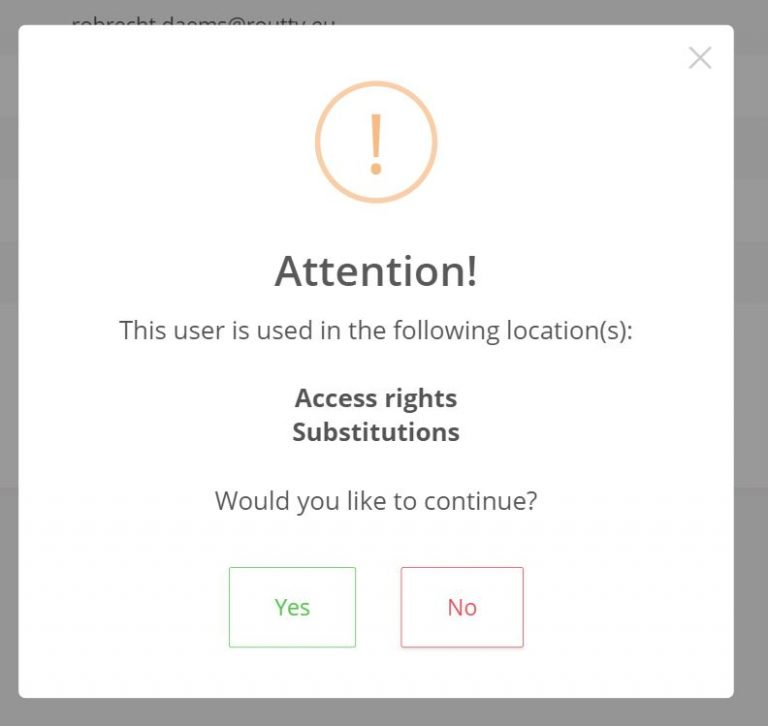
A pop-up will ask for confirmation
-
If the user is assigned to any documents, is used in groups, substitutions, assignment rules or access rights it will be shown here
-