This page provides an overview of you companies and partners and allows you to add, edit, and delete your companies.
-
Users with admin rights can add/edit/delete companies and view partners.
-
Users with normal rights can only view companies/partners
-
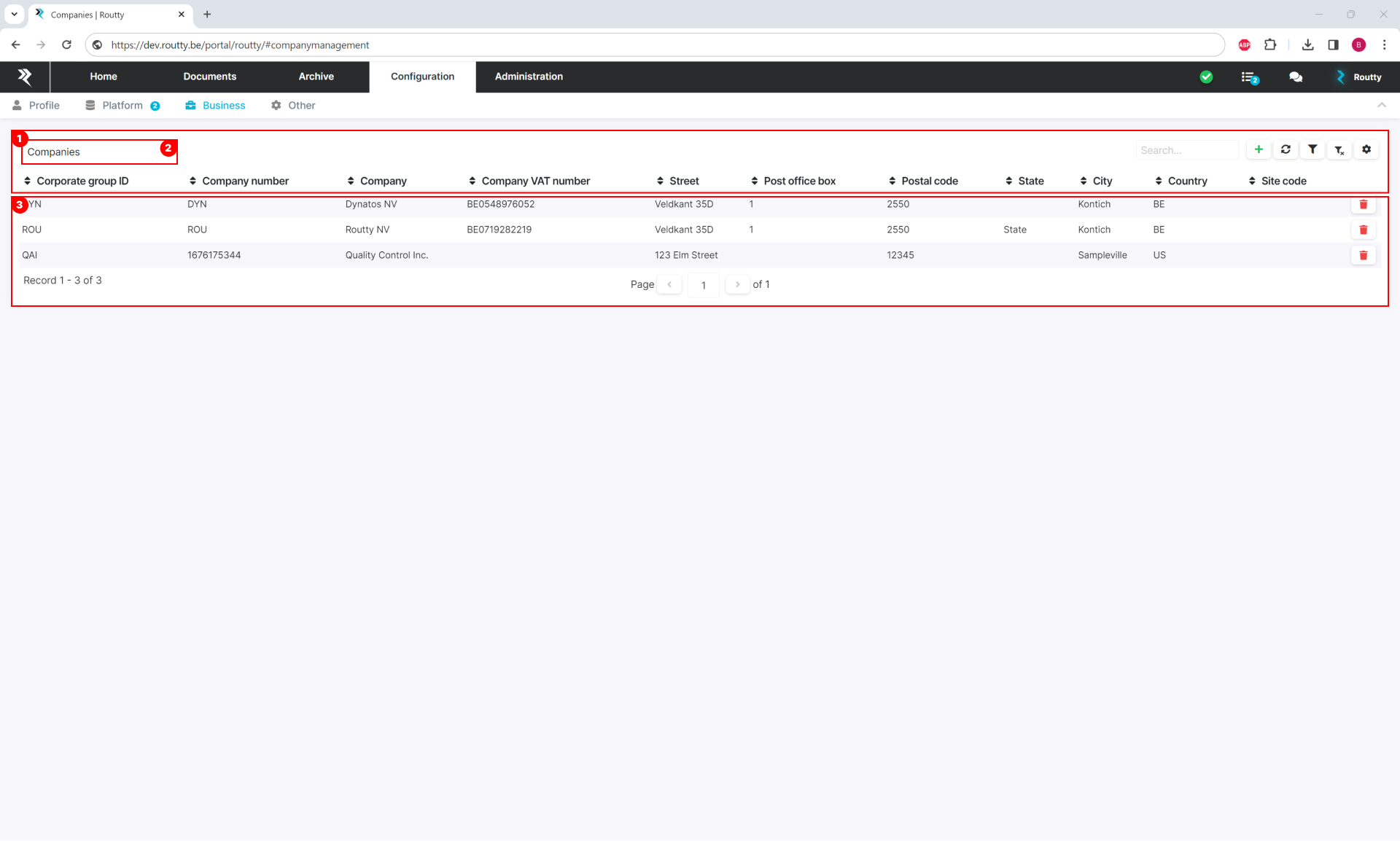
Select companies or partners
-
The data in the list (3) changes depending on the selected option
-
-
In this view the active parties are displayed
-
You can delete a company by clicking on the delete button
-
You can add a company by clicking on the add button in the top right
-
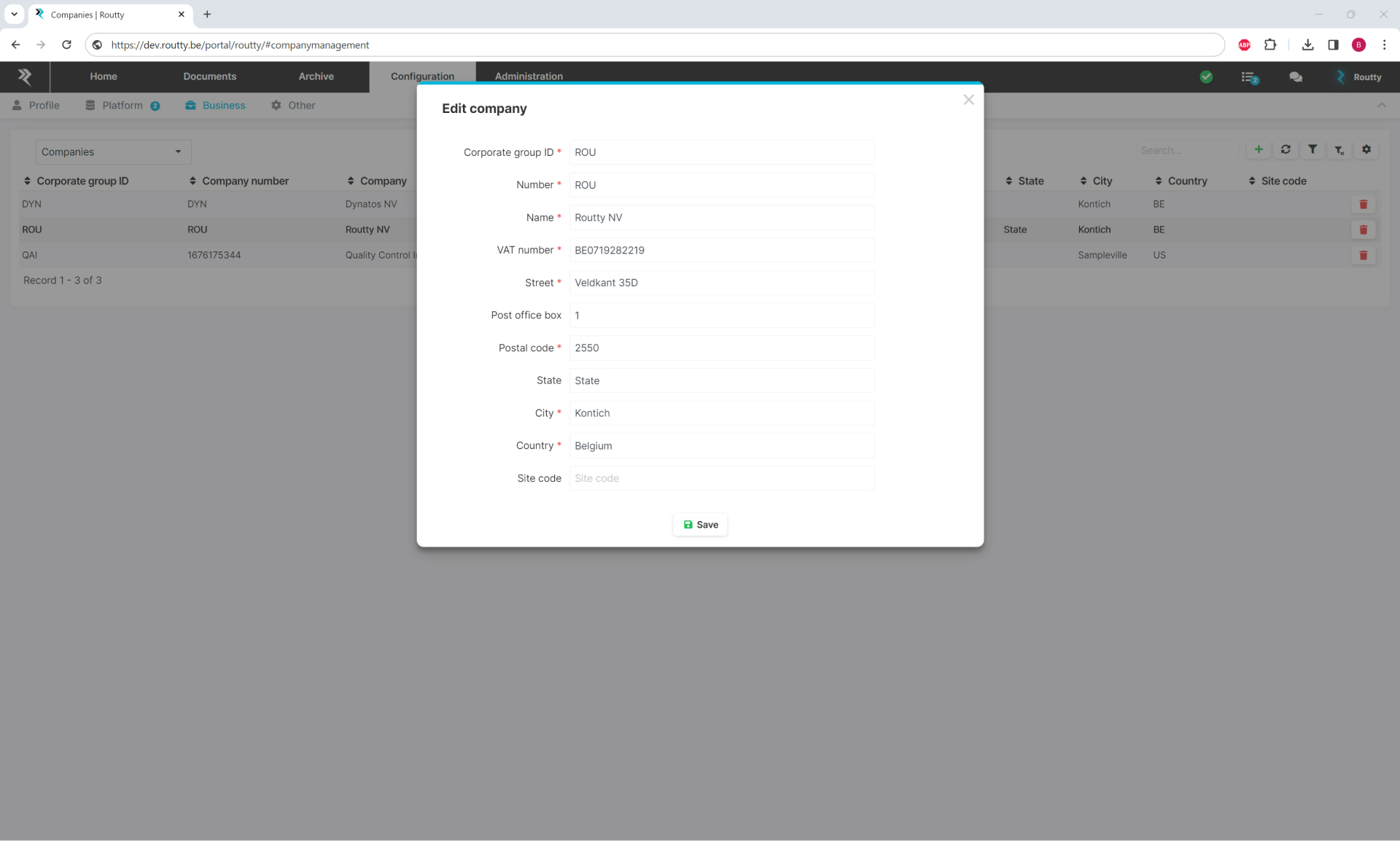
When clicking on a certain record, the company info will be displayed in a modal where adjustments can be made
-
In the companies view, when editing or creating a new company, a modal opens in which one can edit the company’s data: