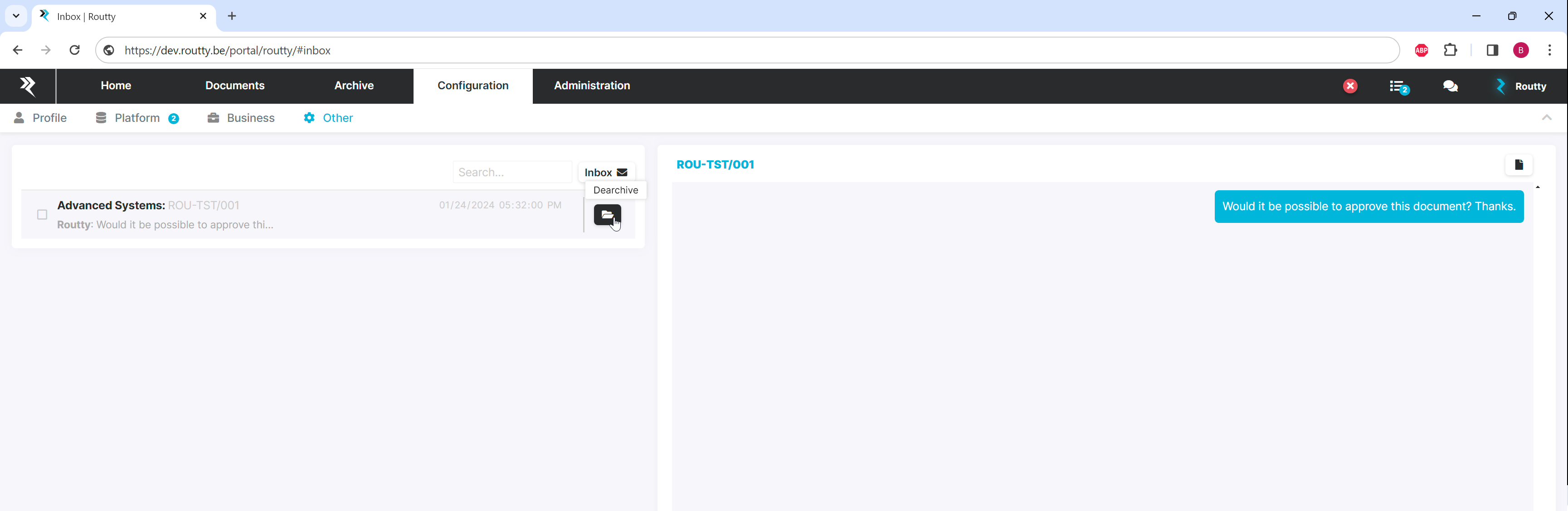
Archiving a conversation will remove it from your inbox and allow you to focus solely on the messages relevant for you
Instructions
-
Conversations can be archived by clicking on the archive button
-
The conversation will be visible in the archive, to access it click on the archived messages button
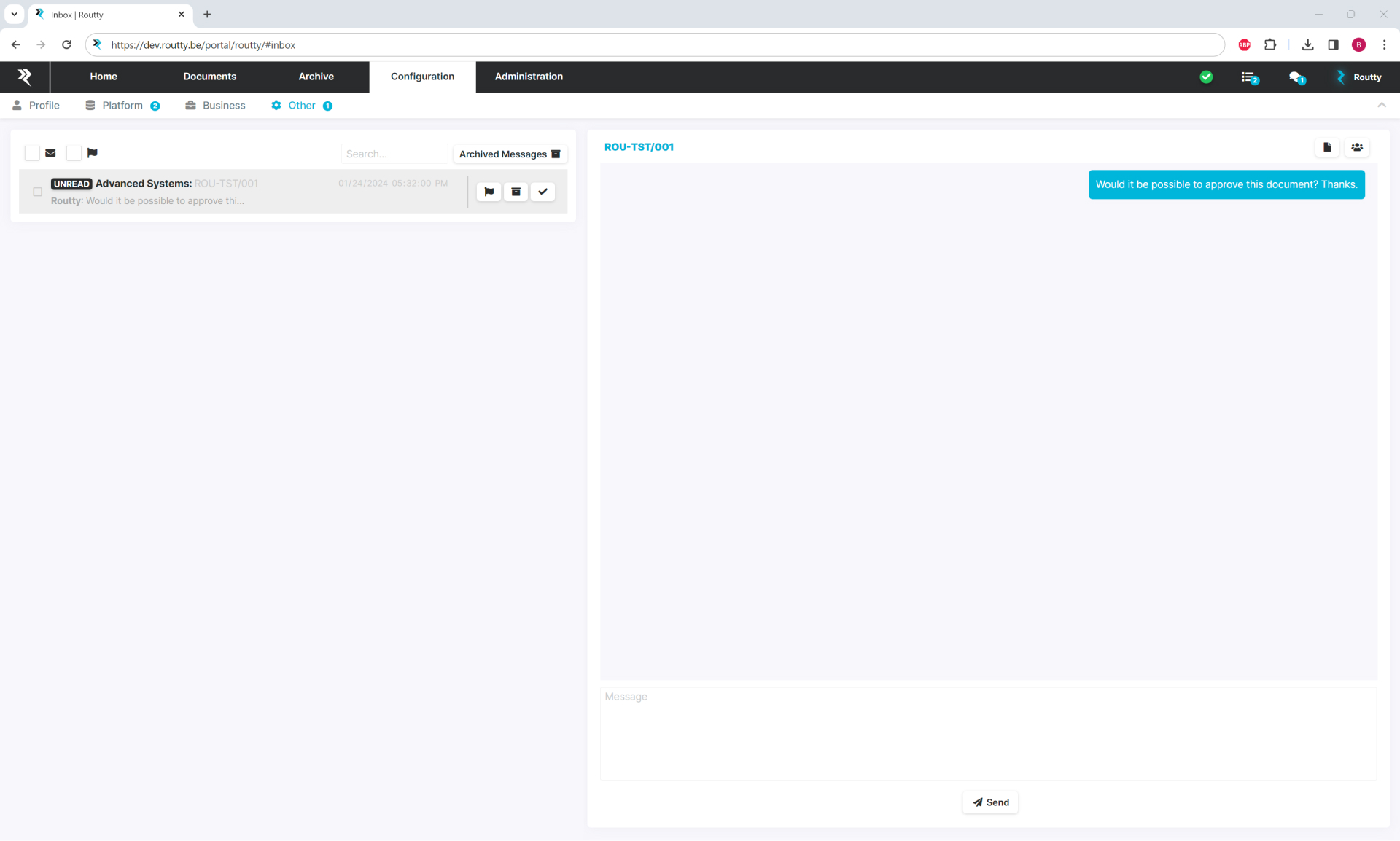
-
All archived conversations are still present in Routty but cannot be seen in any of the workflow screens nor the monitoring screen from this point
-
To return to your non archived conversations (inbox) click on the inbox button
-
It is possible to restore one or multiple conversations by selecting the conversations and pressing the restore button