This tutorial explains all the features of the Routty Smart Capture module
You will need normal or admin permission on Capture
User interface overview
-
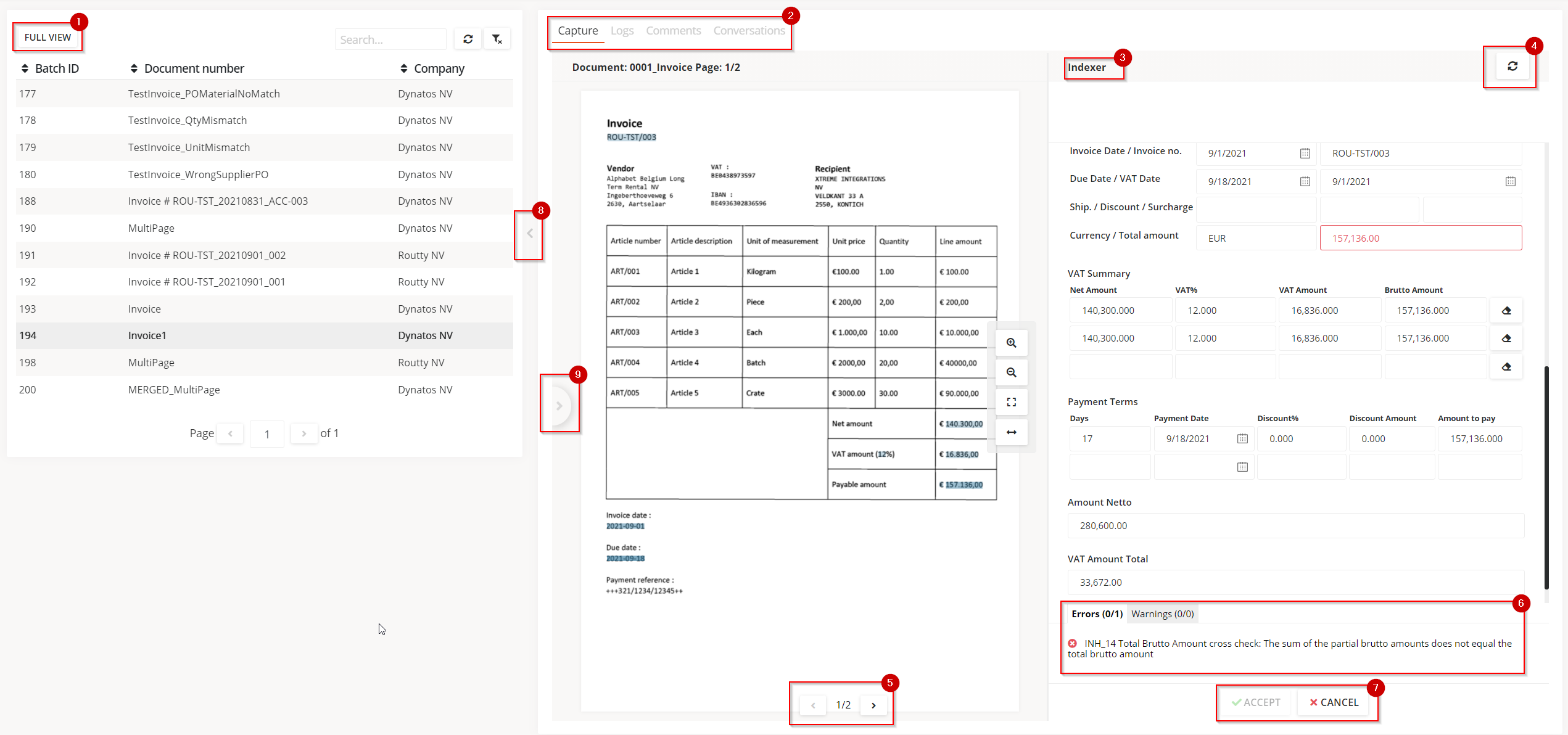
Clicking on the full view button will show the entire list of documents to be verified by the user.
This will close the right (detail) section of the screen. -
Navigate the different views of the selected document:
-
Capture (default)
-
Logs
-
Comments
-
Conversations
-
-
Indexer is a collection of all fields that can be captured for the given document type.
Usage of the indexer will be explained in the “How to learn new fields” tutorial -
The refresh button will relaunch the extraction of the fields for the selected document
-
Navigate through the pages one by one
-
An overview of the errors and warnings. Errors should be resolved before the Accept button becomes available/clickable
-
Action buttons
-
Accept: will accept the document and will then go to the next step in the process
-
Cancel: will cancel the document
-
-
Hides the list of documents on the navigation (left) side
-
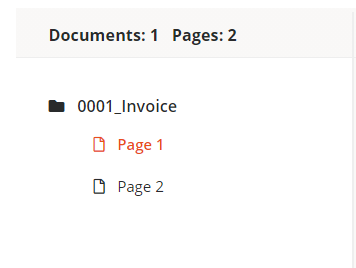
Shows the pages of the selected document for easier navigation: