
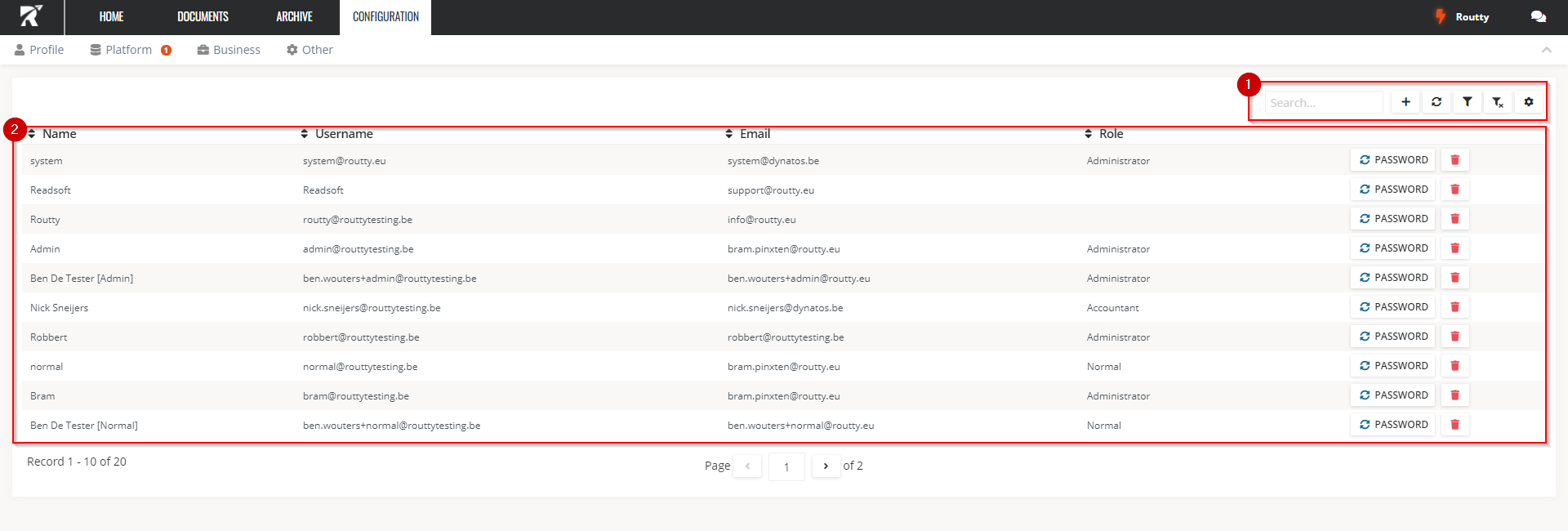
This page allows you to create, edit, delete existing users and reset user passwords.
The password functionality will be disabled when single-sign-on is activated for your setup
-
Filters can be set the same way as on any other page in Routty: Set and use custom filters
When clicking add -
The reset password button can be used to allow a user to reset his own password. Whenever this button is clicked, an e-mail will be sent to the user with a ‘change password’ link.
Users can also be edited and deleted on this page